
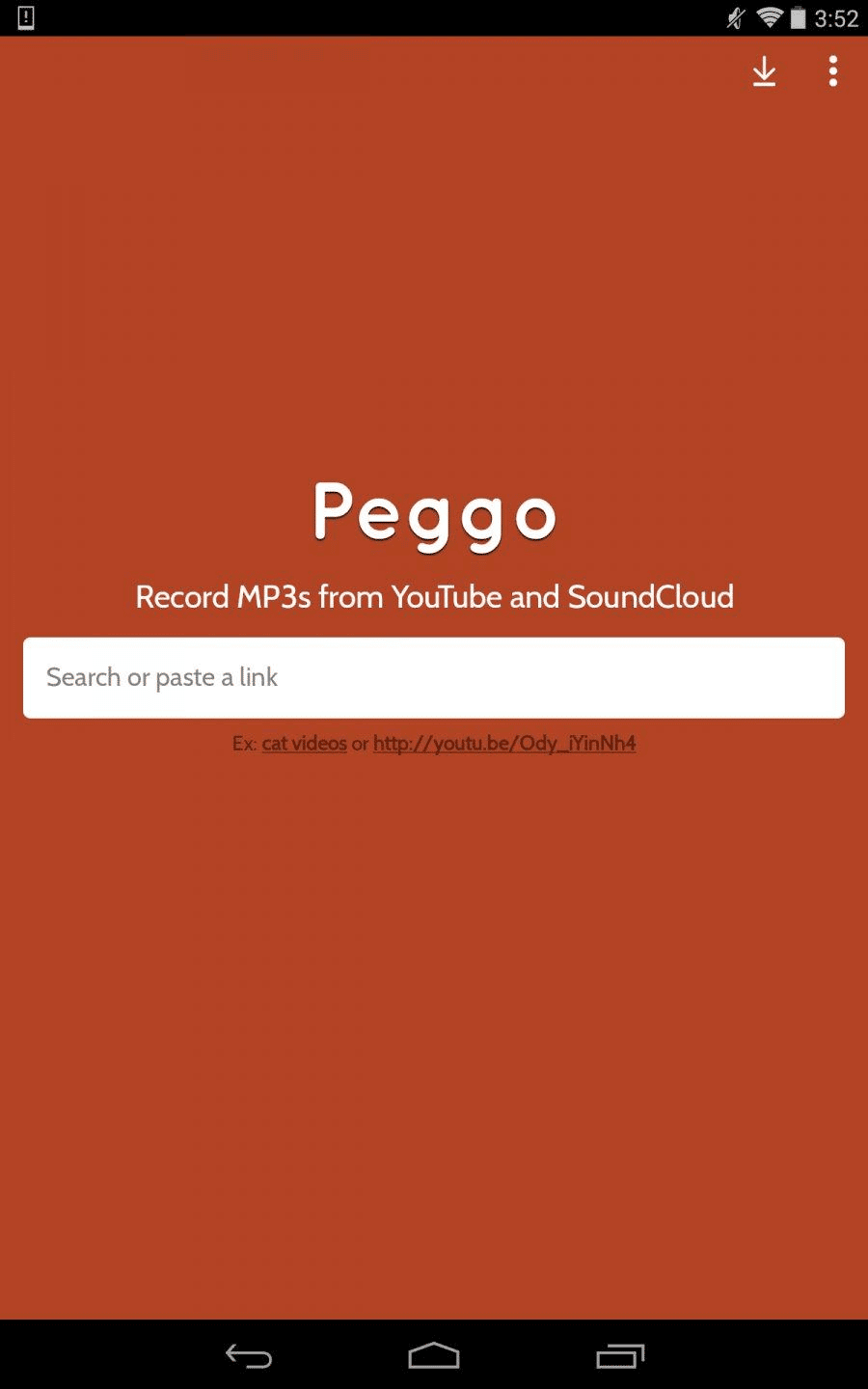

Peggo offers a streamlined solution for music enthusiasts who want to build a personal offline music library directly from online sources. This Android application empowers users to download their favorite audio tracks and create high-quality ringtones with ease. It is particularly useful for listeners who wish to enjoy music without relying on constant internet connectivity or subscription services.
Effortless Audio Extraction Tool
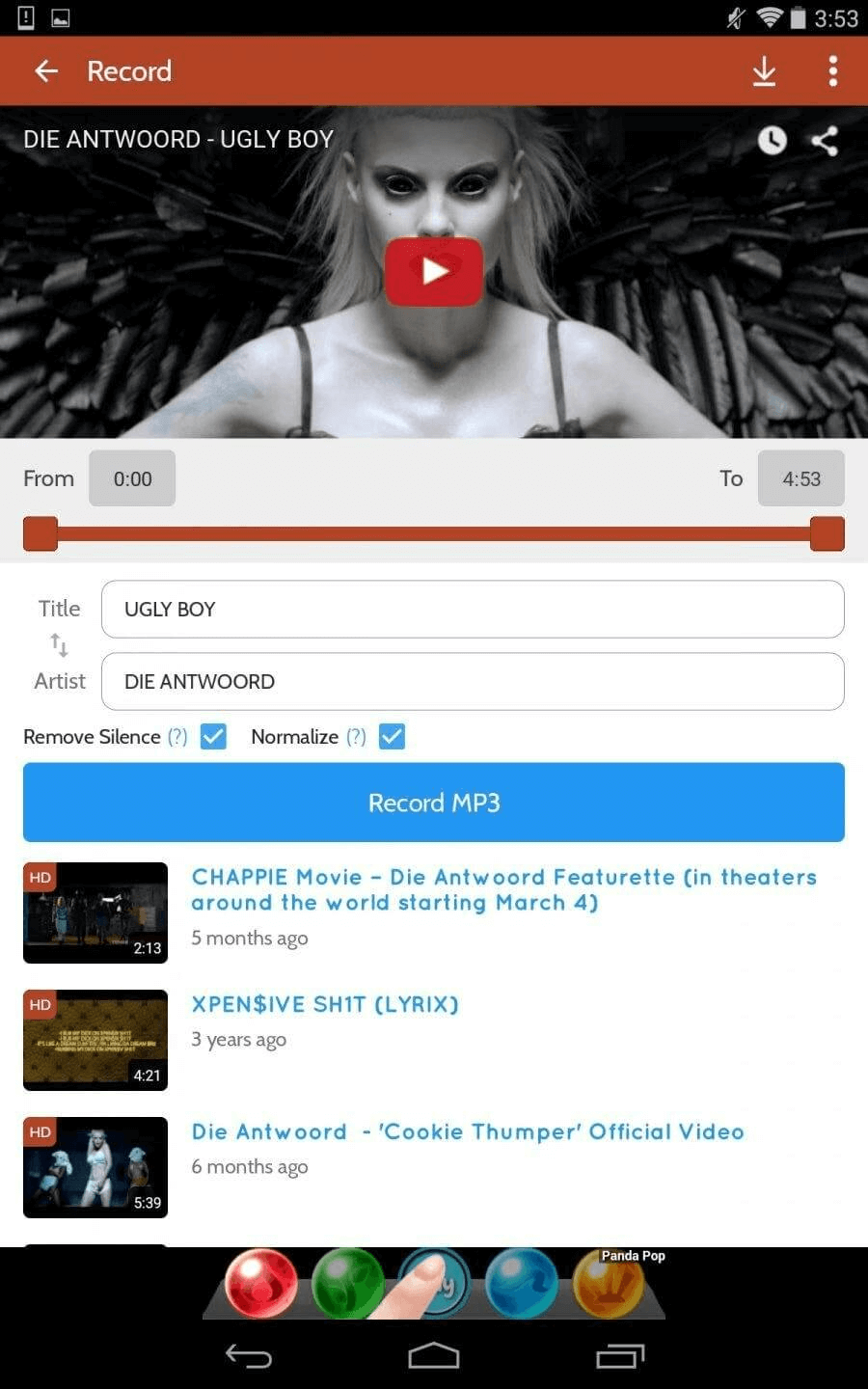
The core function of Peggo is its ability to extract audio from online videos. Users can simply paste a URL from a supported platform, and the app processes the video to save the audio track directly to their device. This process is straightforward, allowing for quick archiving of live performances, remixes, or any desired audio content found online.
High-Quality Ringtone Creation
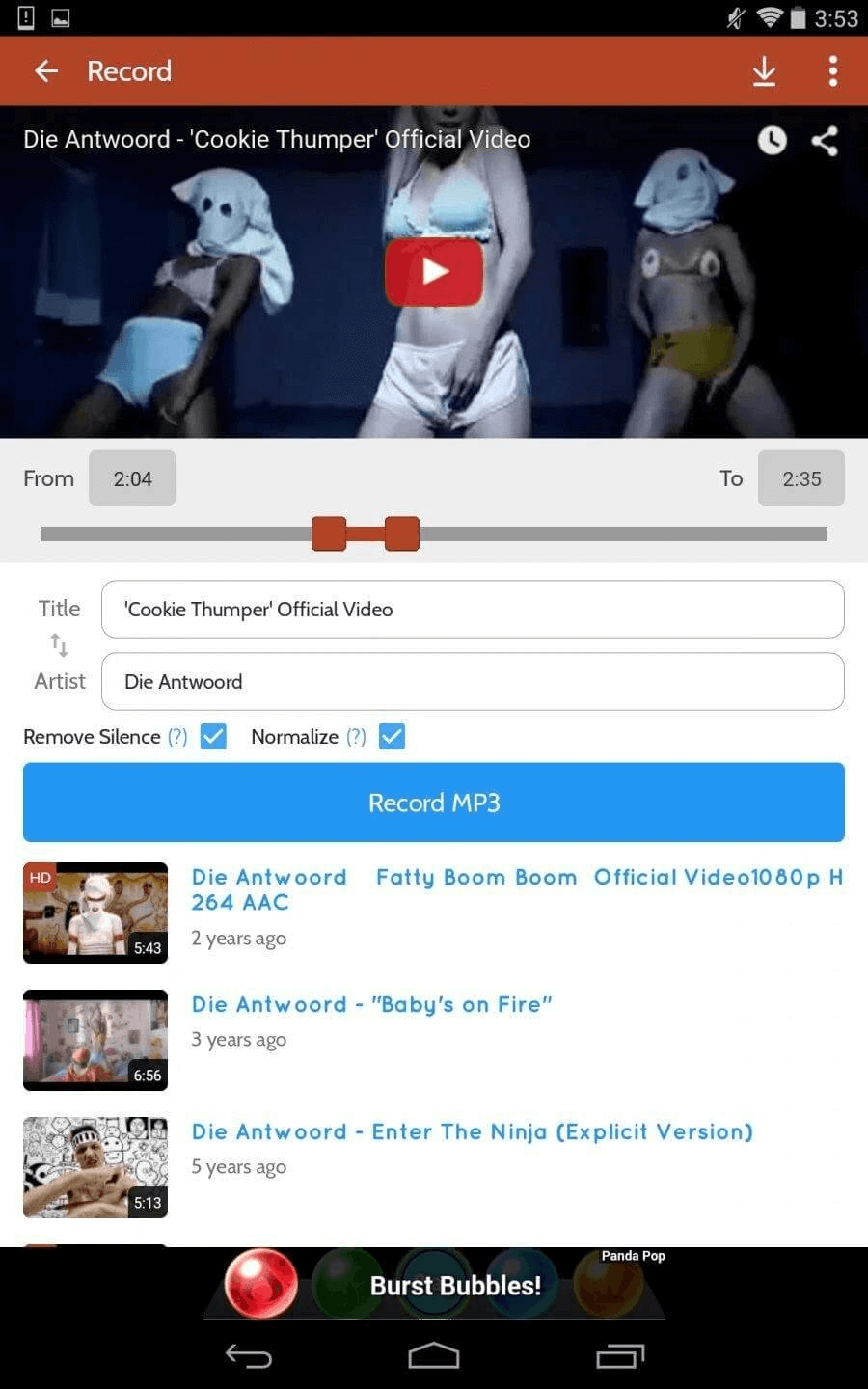
Beyond simple downloads, Peggo includes a built-in ringtone maker. After downloading a track, users can easily trim it to select the perfect segment for a custom ringtone. This feature eliminates the need for a separate audio editing app, providing a convenient all-in-one tool for personalizing your phone’s sound alerts with high-fidelity audio.
User-Controlled Audio Formats
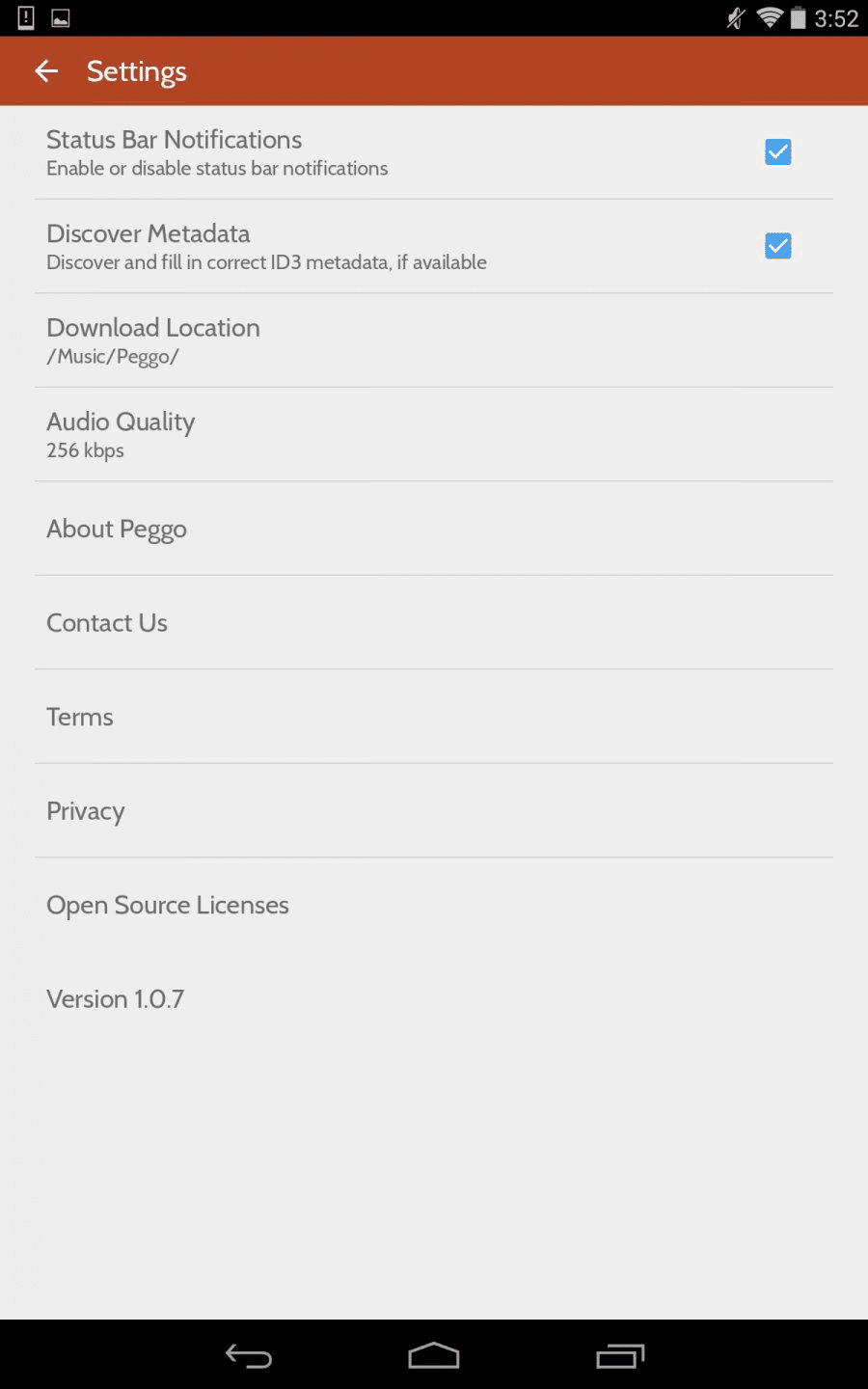
Peggo provides flexibility in how you save your audio. The application typically allows users to choose from different audio quality settings and formats for their downloads. This control ensures that you can balance sound quality with file size, depending on your storage constraints and listening preferences.
Simple and Intuitive User Interface
Navigating the app is designed to be a hassle-free experience. The clean layout focuses on the primary tasks: entering a URL, selecting download options, and managing your saved files. This intuitive design means new users can start downloading their first audio track within moments of opening the application.
Organized Local Music Library
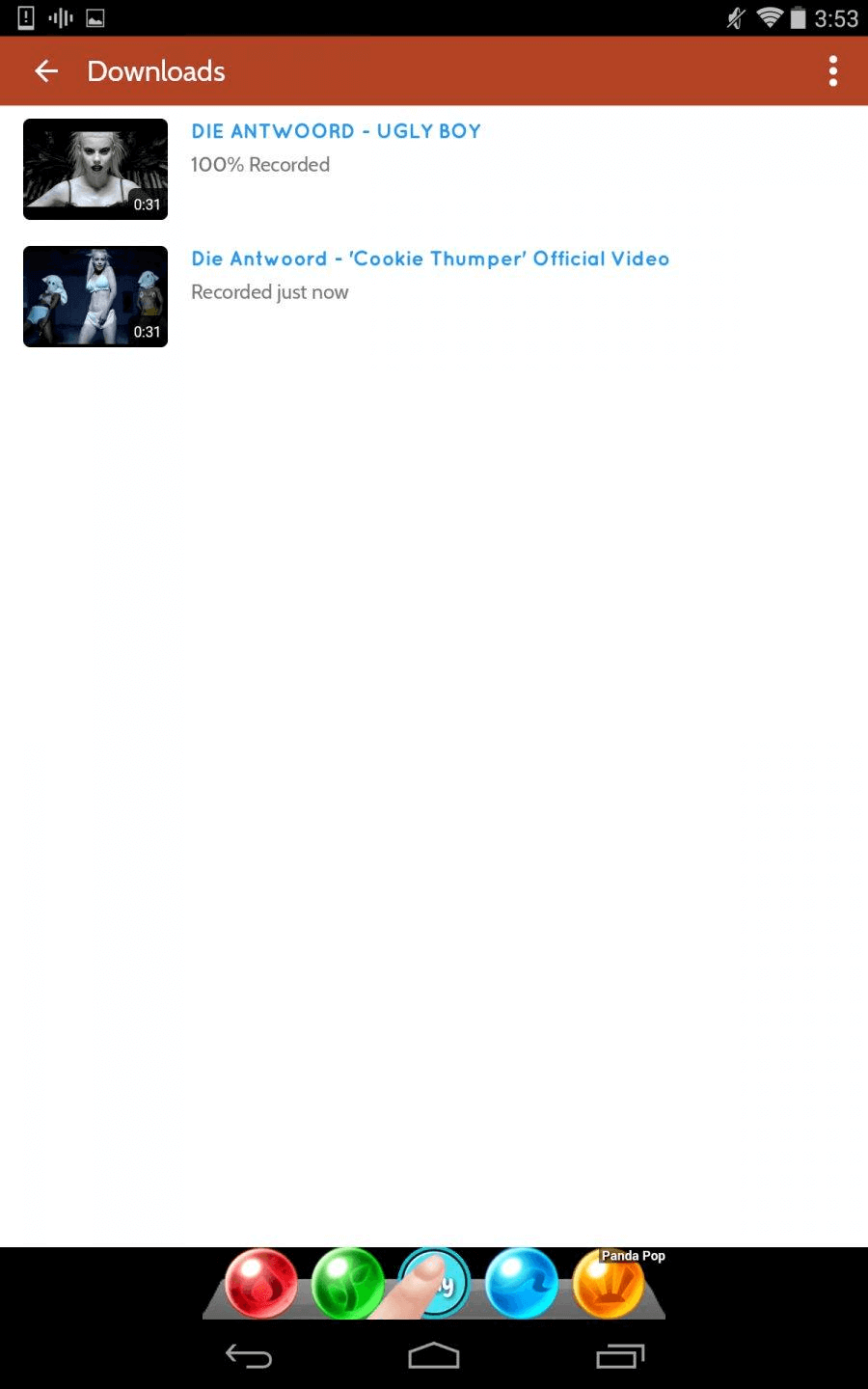
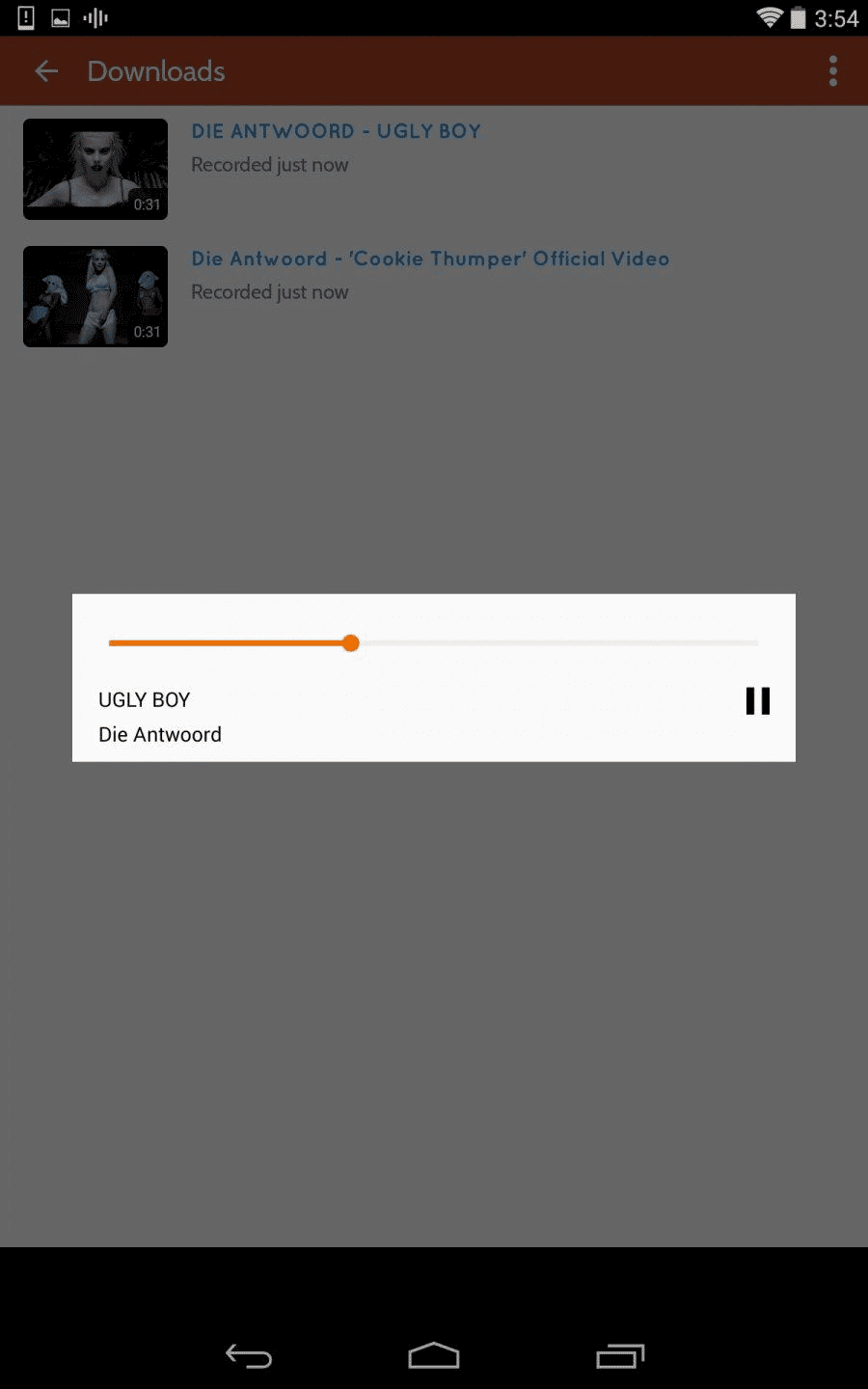
All downloaded content is saved directly to your device’s local storage, organized within the app for easy access. This creates a personal music collection that is always available, regardless of your internet connection. You can manage your files, play them directly, and set them as ringtones without leaving the app.
Frequently Asked Questions
Peggo is an Android application designed to download audio from online videos and create custom ringtones. It helps users build a personal, offline music library from content available on the web.
The app generally allows users to select the quality of the audio during the download process. You can often choose from several bitrates to balance sound fidelity with the amount of storage space used on your device.
Yes, Peggo includes basic editing features specifically for creating ringtones. You can trim audio files to select a specific segment, which is then saved as a new file for use as your phone’s ringtone or notification sound.
All audio files and ringtones are saved directly to your Android device’s internal storage. They are accessible through the app’s library and can typically be found in your device’s file manager under a dedicated Peggo folder.